Addressing the stabilization of a hydrogeological instability that threatens a main road requires extremely fast reaction times and the use of an advanced geotechnical cloud. In a recent operation to secure a rotational landslide, the design team faced a critical obstacle: the fragmentation of the information flow.
Geologists were busy at the landslide site performing field mapping, while engineers waited for the data in the office to dimension the retaining structures. To eliminate this downtime and unify the geological model with the geotechnical one, the construction management decided to implement GeoDropbox as the official Common Data Environment (CDE) of the project.
From the site to the model: the advantages of the geotechnical cloud
The adoption of this specialized environment allowed for the digitization of most of the data useful for analyzing the problem. Operating consistently within a geotechnical cloud makes information immediately accessible to all professionals involved, from the moment of sampling up to the modeling of the retaining structure..
1. Characterization and test processing
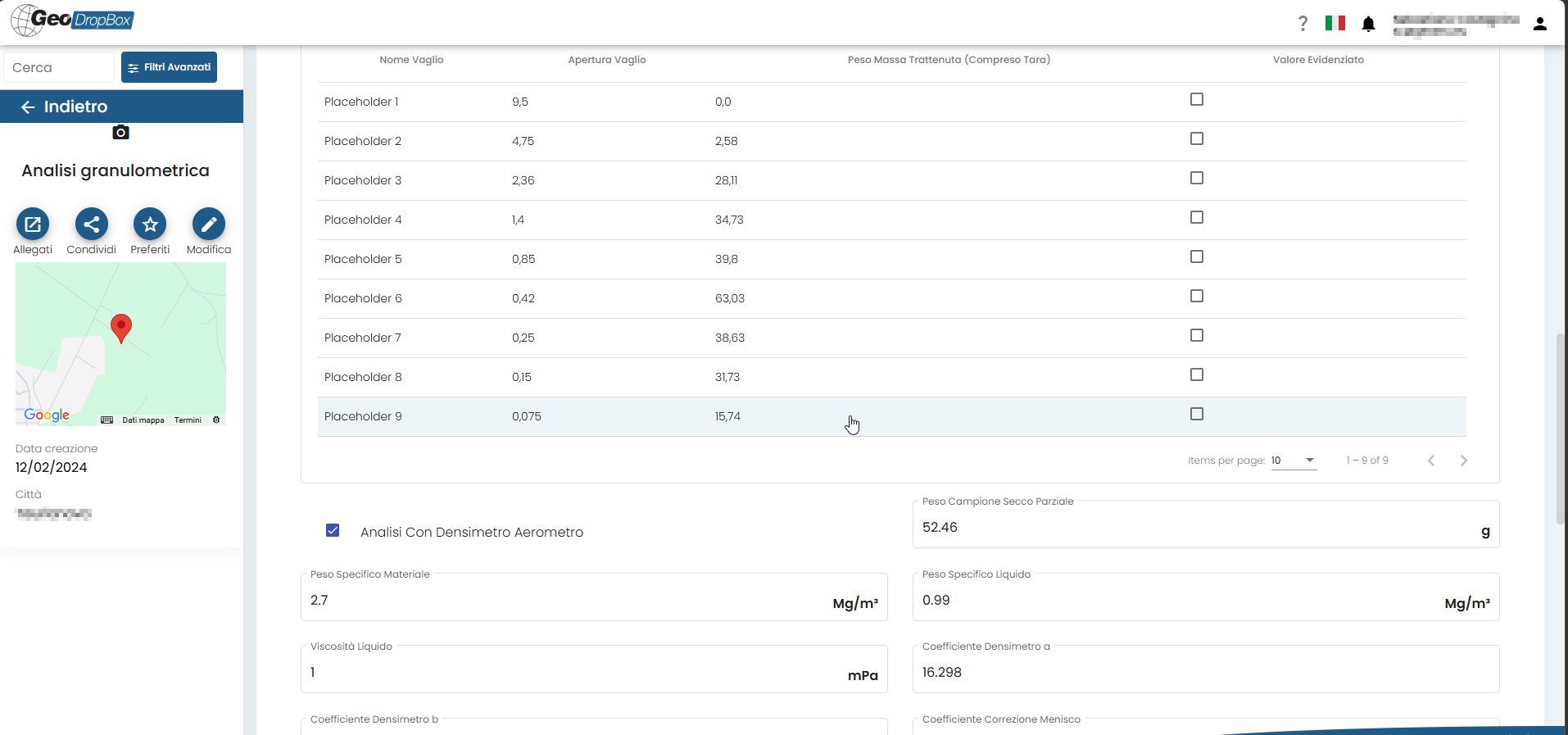
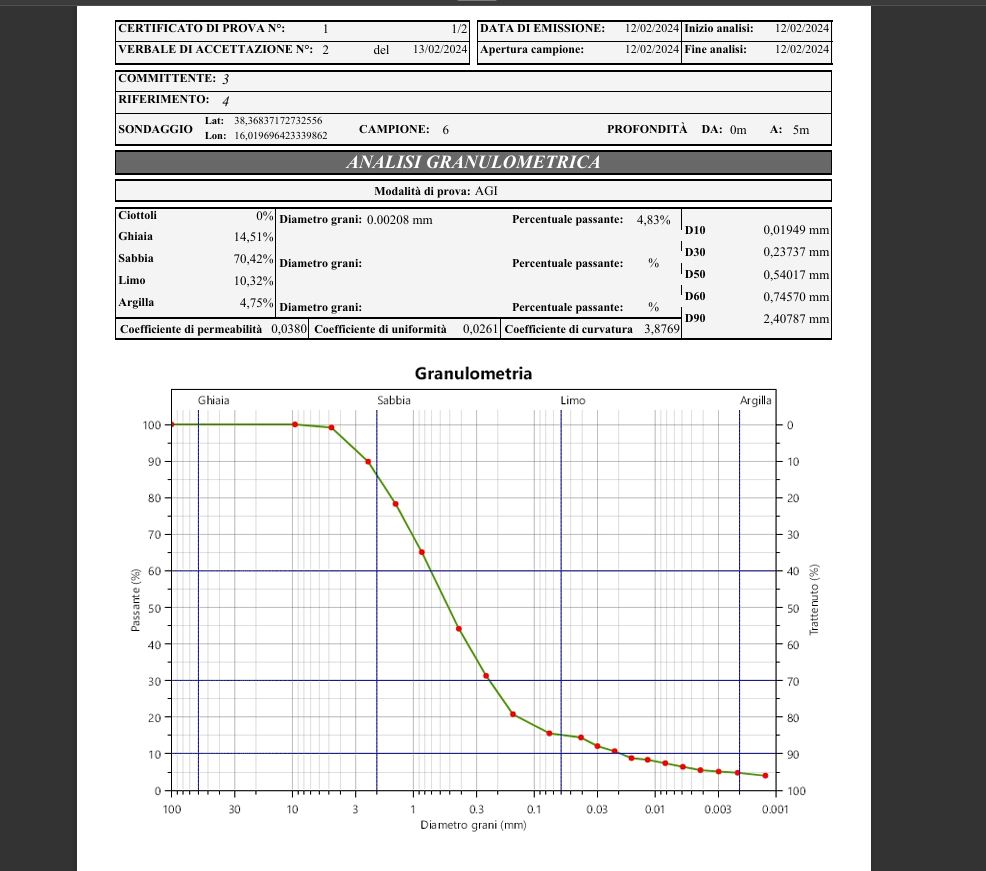
In surveys for the study of slope movements, soil parameters are the heart of the project. Instead of waiting for the end of the field campaign, the team utilized the geotechnical cloud to process the results on the go. The data from the particle size analysis on the collected samples were entered directly online.
2. Sharing of stratigraphies and surveys directly in the geotechnical cloud
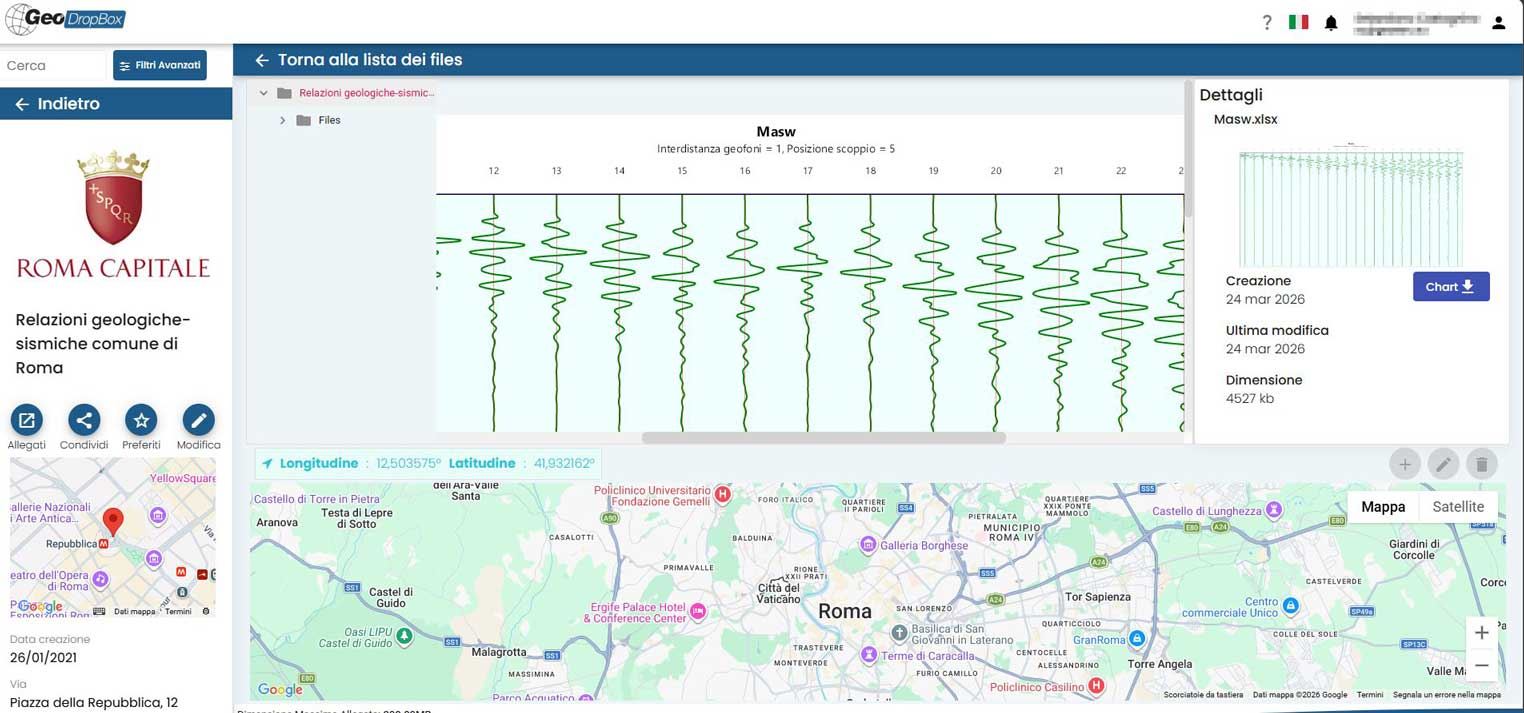
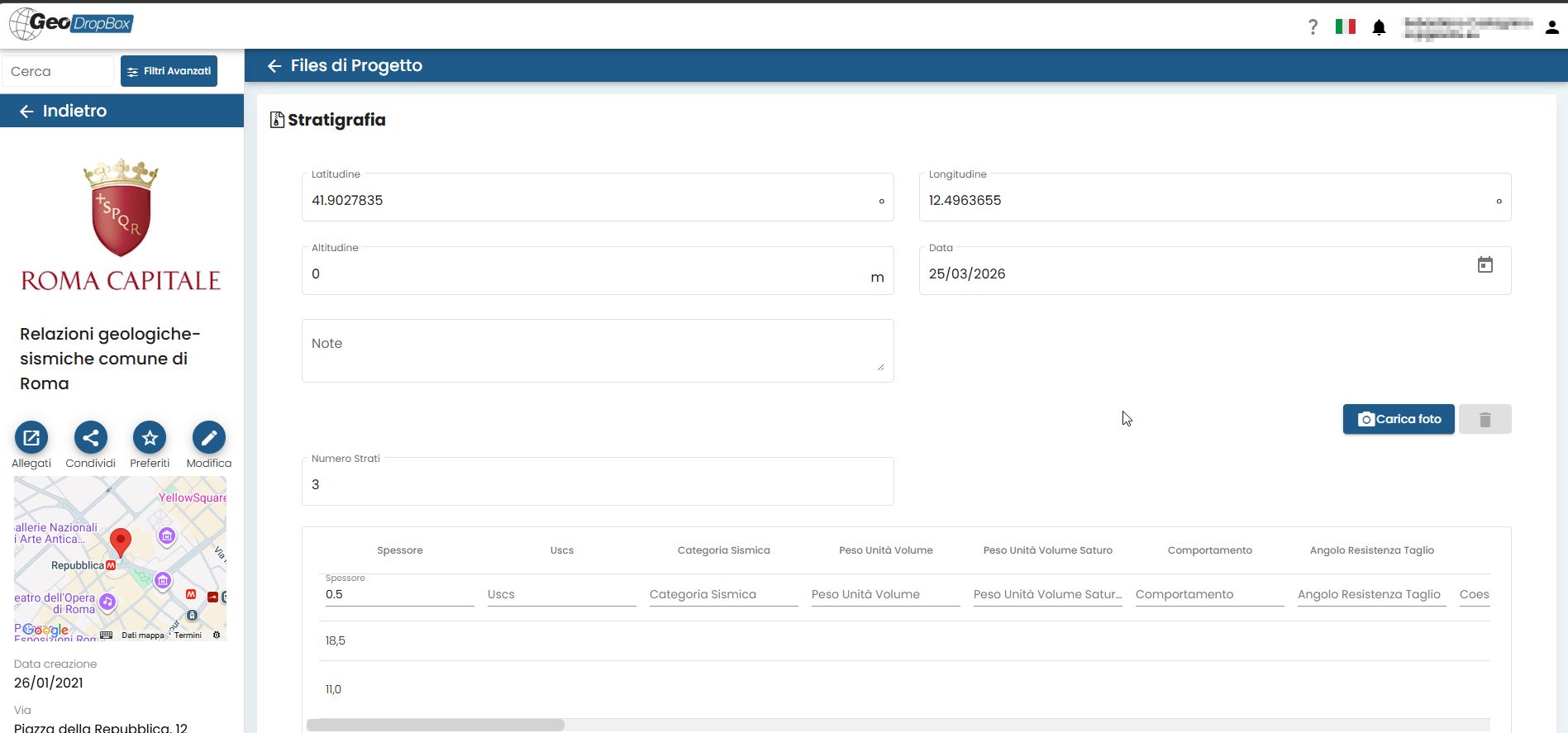
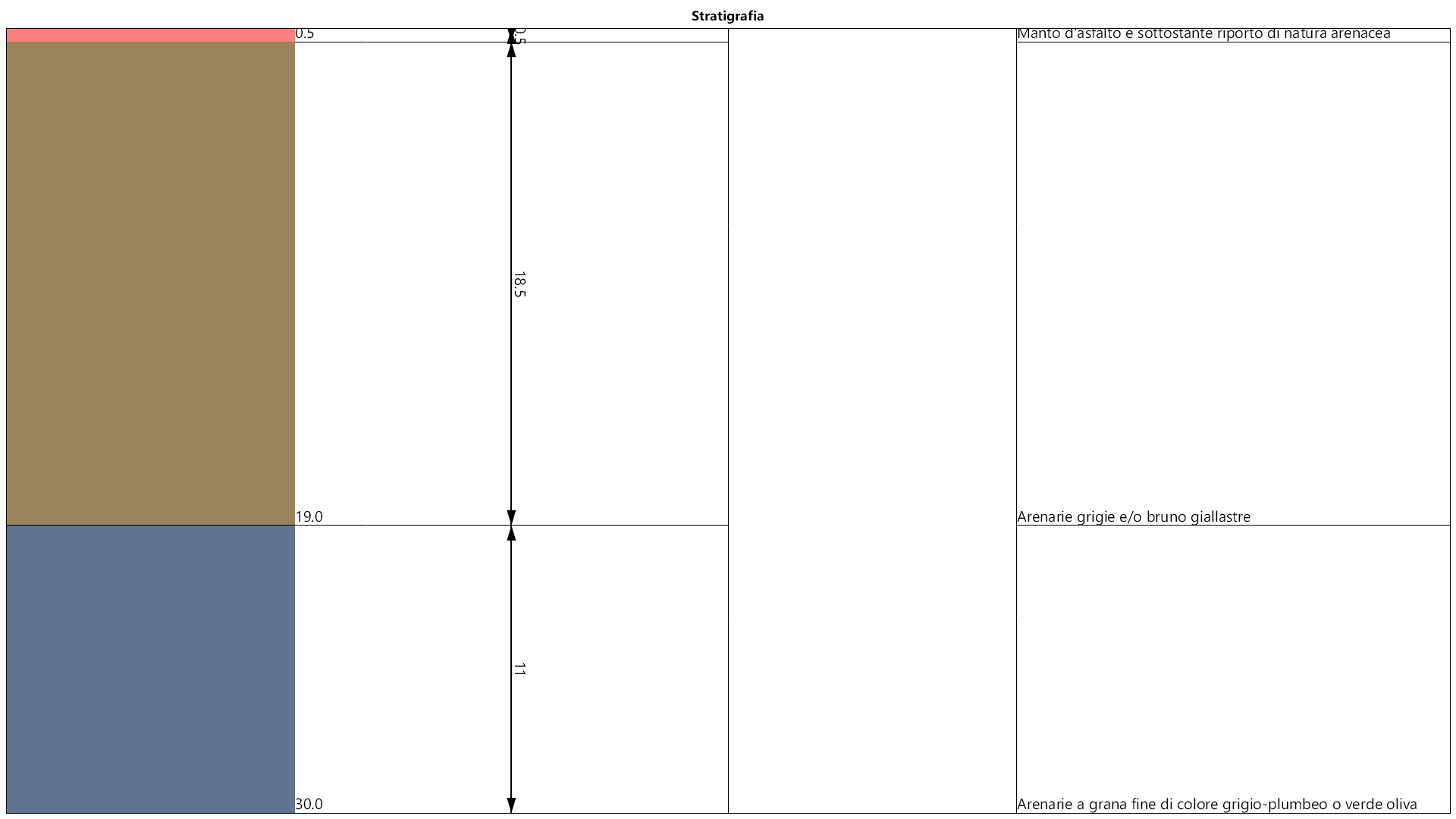
Geophysical surveys were carried out. The geologists were able to read and visualize the survey logs and recreate the stratigraphic columns directly from the browser of the GeoDropbox geotechnical cloud. Eliminating the need to install third-party software significantly streamlined the calibration of the subsoil model.
3. Slope stability analysis via GeoStru Slope
Once the section was recreated and characterized with geotechnical parameters in Slope stability analysis – Slope, it was possible to share the project by saving it directly to the Cloud on GeoDropBox, thanks to the integration within the GeoStru software itself.
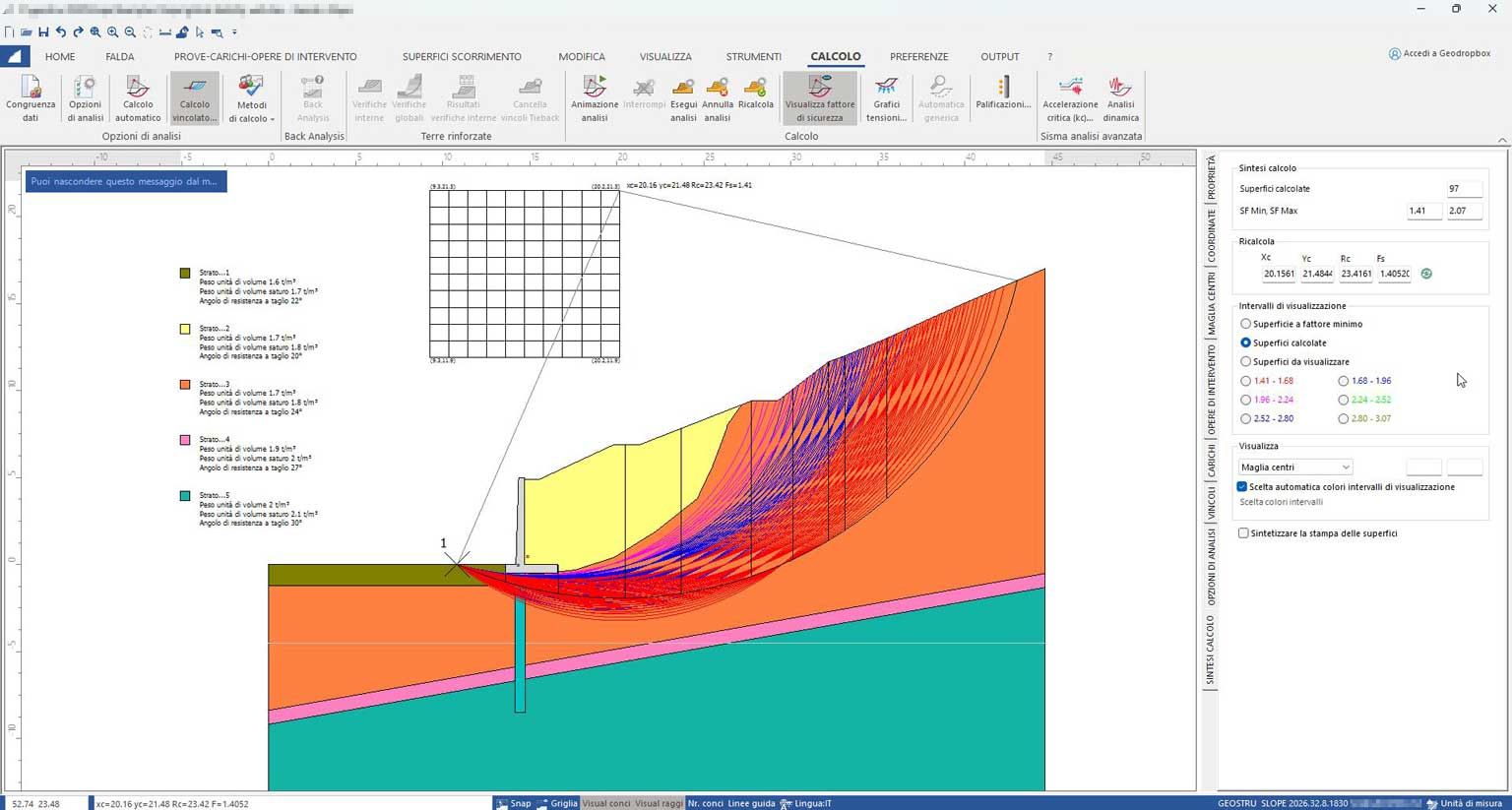
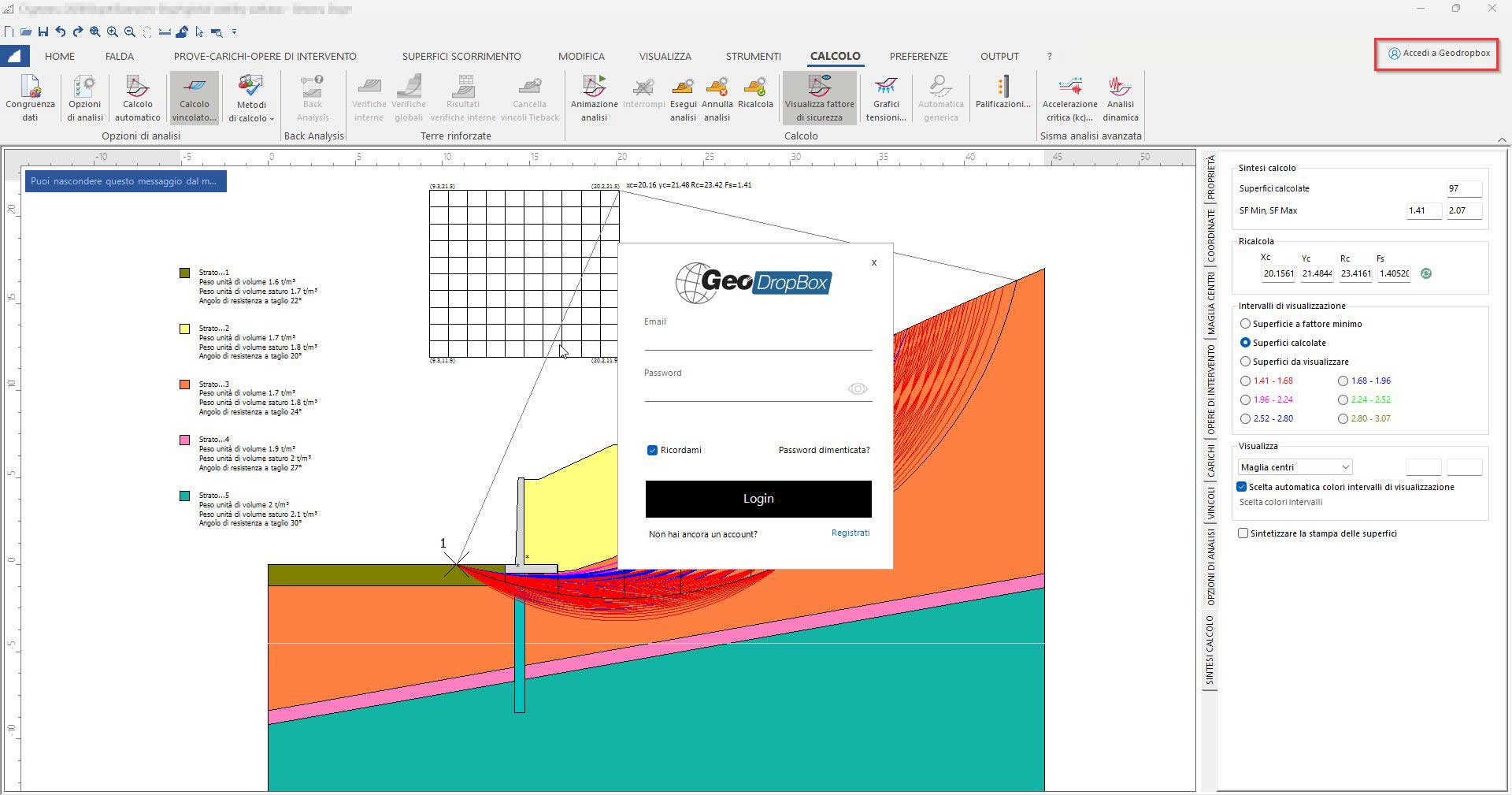

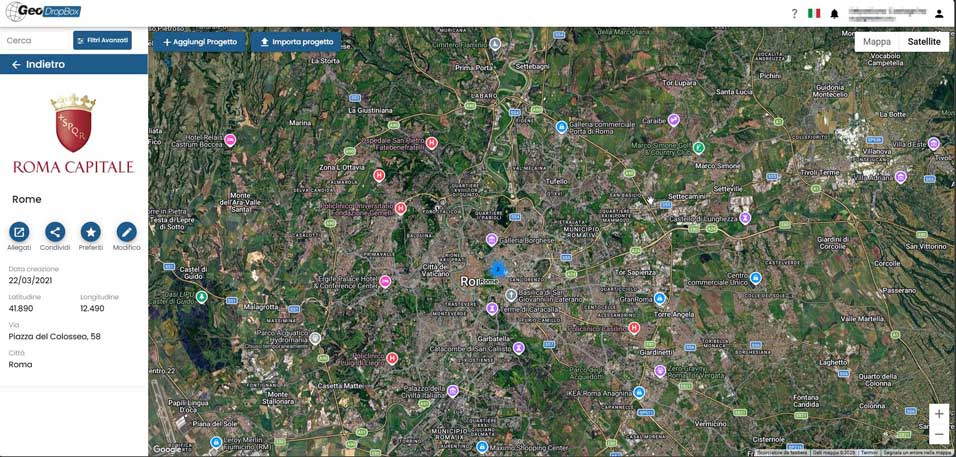
Geodropbox is the cloud platform for the management and storage of documentation (including geological-geotechnical ones, thus a geotechnical cloud), which allows the merging of geographic information with any type of document in electronic format.
-
Localization: Localize the work area via satellite map, even from mobile devices.
-
Upload: Upload processing outputs or any other file in electronic format (doc, pdf, dxf, dwg, png, jpg, etc.).
-
Organization: Search and view any type of information in your dynamically organized archives.
-
Sharing: Share files and folders to optimize work among colleagues.
Summary of the achieved results
The structured implementation of a geotechnical cloud in GeoDropBox transformed the emergency management into a fluid and traceable process, with evident benefits compared to traditional methods.
| Operational Phase | Traditional Workflow | Workflow with GeoDropbox |
| Laboratory Tests | Calculation postponed upon return to the office. | Real-time particle size analysis processing from the construction site. |
| Geotechnical Model | Sending heavy reports in DWG/PDF/DOCX formats, etc. | Dynamic reading of stratigraphies and surveys via browser. |
| Stability Analysis | Exchange of project files via email or physical drives. | Fast and real-time sharing on the shared Cloud. |
Conclusion: why choose a geotechnical cloud
This case study demonstrates that the adoption of a technical Common Data Environment is now essential. Implementing a geotechnical cloud like GeoDropbox means transforming raw and fragmented data into a dynamic information asset. For professional firms, being able to read open formats and process data directly online represents today’s methodological standard for designing safe interventions without coordination errors.


Viewing BIM models in GeoDropBox
Nel caricare qualsiasi tipo di documento, se caricherai un file BIM con estensione IFC, potrai visualizzare il modello 3D direttamente online. Ma non solo BIM, attraverso il visualizzatore avrai la possibilità di vedere immagini, pdf e file di testo.
When uploading any type of document, if you upload a BIM file with an IFC extension, you will be able to view the 3D model directly online. But not only BIM, through the viewer you will have the possibility to see images, PDFs, and text files.
You might be interested in
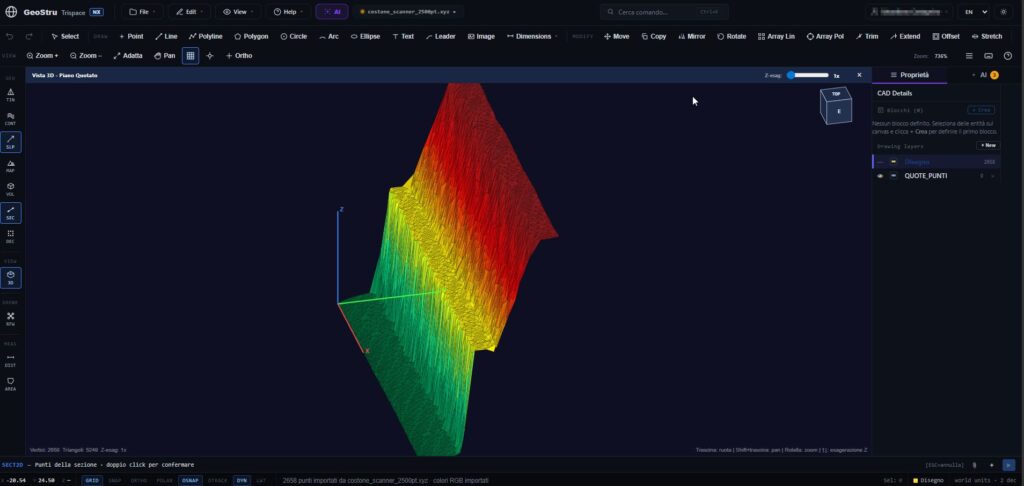
Trispace NX Web CAD: AI and integrated topography
The world of design and surveying requires increasingly faster, integrated, and accessible tools. With this goal in mind, Trispace NX was born, the new 2D web CAD of the GeoStru NX suite. Specifically designed for the needs of engineers, architects, agronomists, surveyors, and geologists, this software redefines the concept of technical drawing by combining the…
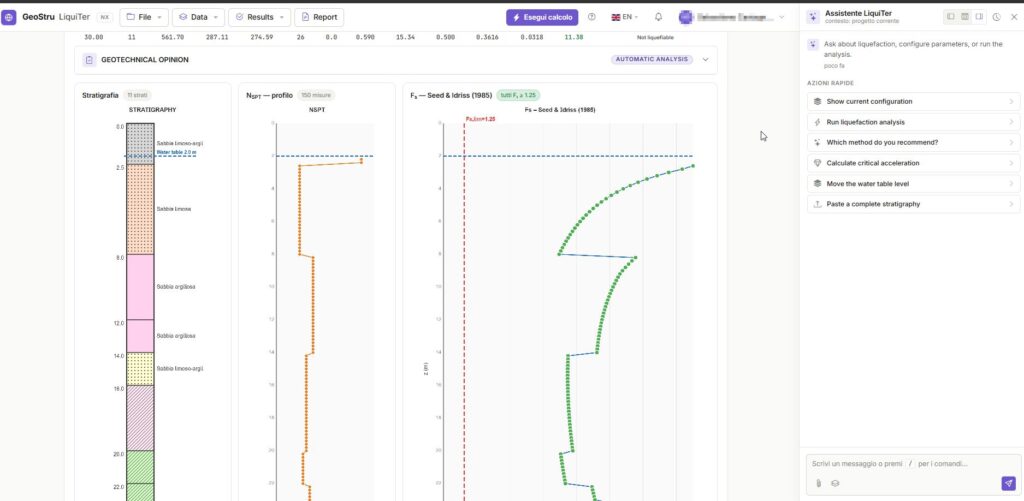
Liquefaction analysis with AI: GeoStru LiquiTer NX
In modern geotechnical practice, analyzing soil susceptibility under seismic conditions requires increasingly rapid, precise, and rigorous tools. GeoStru LiquiTer NX represents the vanguard in this sector: an advanced web software designed to automate liquefaction analysis with AI starting from in-situ tests such as SPT, CPT, CPTU, CPTE, and Vs. In this article, we explore the…

BIM for Geotechnics and Geology
BIM for Geotechnics and Geology: The GeoStru team is working at full pace to provide customers with the best solutions in Building Information Modeling (BIM). BIM has revolutionized the way architects and engineers work, and it also offers significant advantages in the field of geotechnics and geology. Work Methodology Those who use GeoStru software know…